How to Learn Farsi on Your Computer (Windows & Mac)
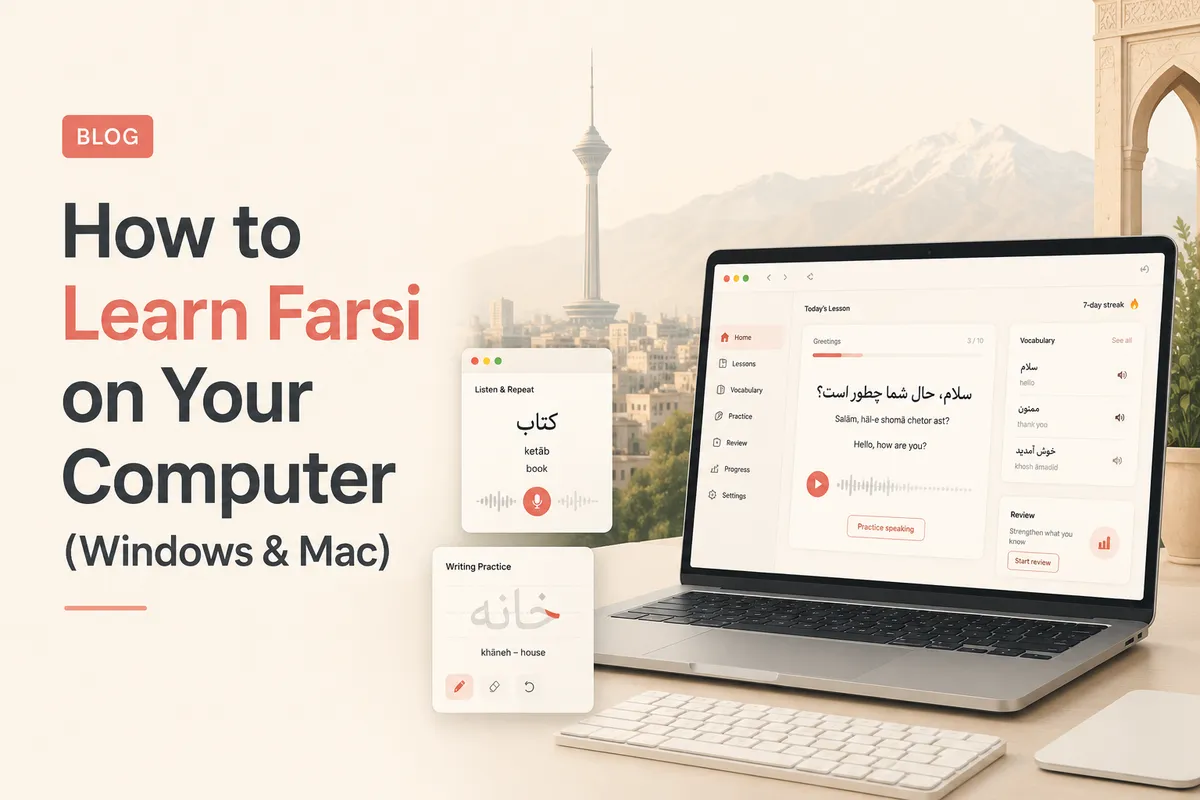
Learn Farsi on your computer with a simple setup. Use the web app, add a Persian keyboard, and build a daily routine on Windows or Mac that actually sticks.

Why Learn Farsi on a Computer
Phones are great for quick practice. A computer is where deeper study happens. A bigger screen, a real keyboard, and side by side tabs make it easier to read, write, and review Farsi.
You do not need special software. A browser and a Persian keyboard are enough.
This guide sets up everything you need to learn Farsi on your computer, then gives a simple routine you can keep.
Start With the Web App
The fastest start is in your browser. Open our free Farsi lessons and work through them in order.
Everything runs online, so there is nothing to install. You can learn Farsi online on Windows, Mac, or a Chromebook the same way.
Keep the tab pinned. A visible tab is a gentle daily nudge to practice.
Add a Persian Keyboard
Typing is half of learning a script. Set up a Persian keyboard so you can write answers, not just read them.
Follow our short guides for the Persian keyboard on Windows or the Persian keyboard on iPhone and Mac. Both take under a minute.
A phonetic layout is the easiest way to begin. Type the sound in English letters and get Persian script.
A Simple Daily Routine
Consistency beats long sessions. Aim for fifteen focused minutes.
- Five minutes of new words or a short lesson.
- Five minutes of typing what you learned in Persian script.
- Five minutes of review, using spaced repetition.
Do this five days a week. Small, steady practice builds real reading and writing skill.
Read and Write More
Once the basics click, stretch yourself. Read simple Persian sentences out loud, then type them from memory.
Use our Persian alphabet guide for the letters and our Farsi grammar guide for sentence structure. For more tools, see the best apps and resources to learn Farsi.
Writing by hand on a computer locks the script into memory faster than reading alone.
Take It With You
Your computer is home base, but progress should follow you. Practice on your phone during small gaps in the day.
Our mobile app syncs your streak and words, so you can learn Farsi on your phone and pick up where you left off on the computer.
One account, every device, no lost progress.