How to Learn Farsi on iPhone: A Complete Beginner's Setup
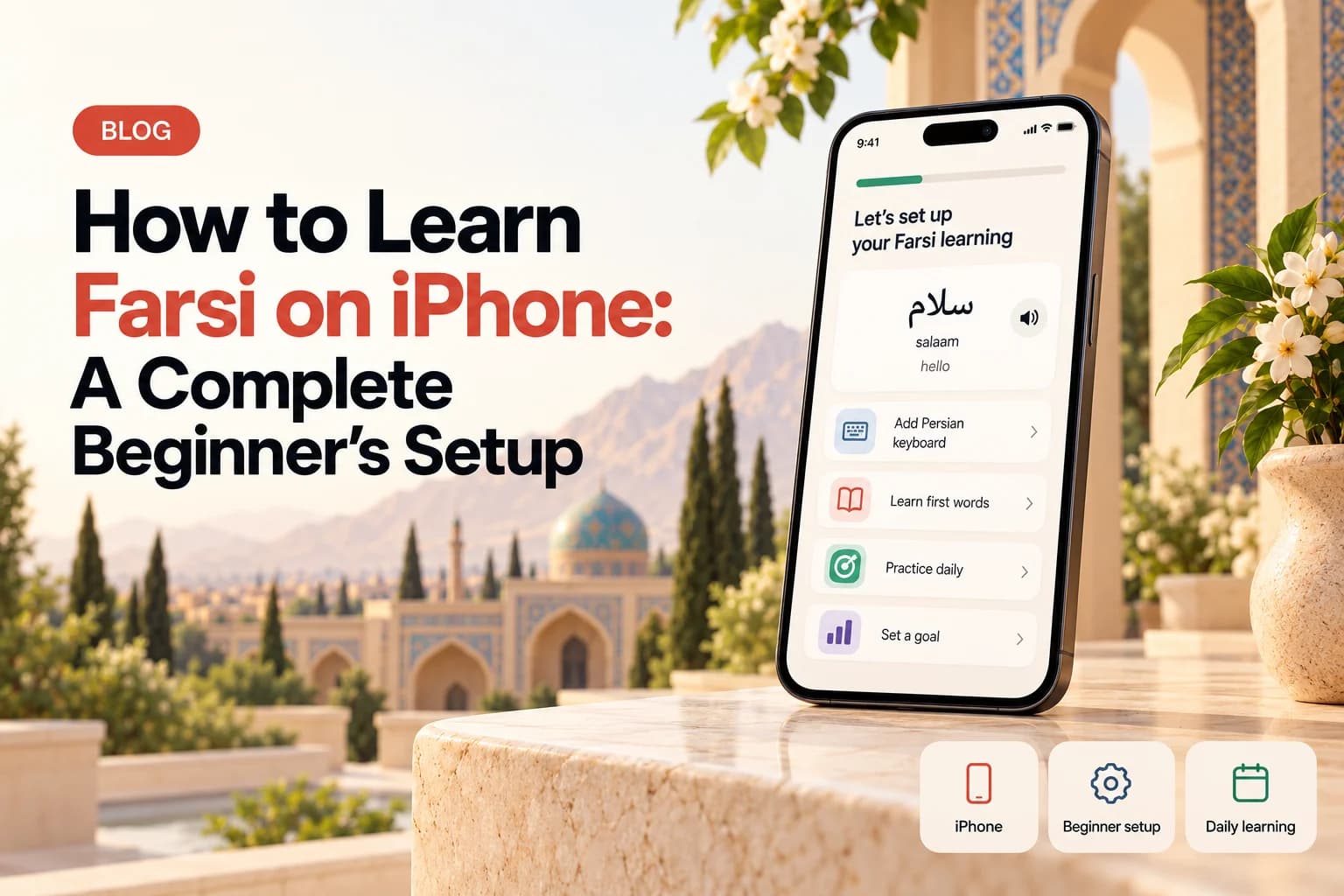
Set up your iPhone for learning Farsi. Install the app, add a Persian keyboard, choose script or phonetic text, and follow a simple first week plan.

Turn Your iPhone Into a Farsi Study Tool
Your iPhone can hold everything you need for your first Farsi lessons. You can learn new words, hear native pronunciation, study grammar, read Persian script, and review from the same device.
Start by downloading Learn Farsi for iPhone. Open the first lesson and take a few minutes to understand how the cards, audio, and answers work. There is no need to explore every feature on your first day.
Choose Phonetic Text or Persian Script
Phonetic text writes Persian sounds with English letters. It is useful when you want to start speaking before you can read Persian. Script mode shows the word as Persian speakers write it.
Begin with the view that feels easiest. You can switch as you improve. A good approach is to read the phonetic version first, listen to the audio, then look at the Persian script. Our guide to Persian script and phonetic mode explains both choices.
Add the Persian Keyboard
The Persian keyboard is already included with iOS. Open Settings, choose General, Keyboard, Keyboards, then Add New Keyboard. Select Persian.
You can now switch keyboards with the globe button while typing. Use it to copy words from your lessons or send a simple greeting. See the full illustrated steps in our Persian keyboard guide for iPhone.
Use a Simple Daily Routine
Keep your first routine small. Complete one short lesson, review the words that are ready, then listen to three words again. Say those words out loud before you finish.
Ten to fifteen minutes is enough at the beginning. You are building a habit, not trying to master the language in one week. Allow notifications at a time when you are normally free, so the reminder is useful instead of distracting.
Your First Seven Days
Day one is for greetings. Day two is for review and pronunciation. On day three, begin the Persian alphabet. On days four and five, continue vocabulary and add one grammar lesson. Use day six to type a few words with the Persian keyboard. On day seven, review everything without adding new material.
At the end of the week, you should recognise several words, understand how the app works, and know a few Persian letters. That is a strong start.
Keep Your Progress on Every Device
Use the same account on your iPhone and on Learn Farsi in your browser. Your progress, streak, XP, and completed lessons stay connected.
This makes it easy to review on your phone and use a laptop when you want more space. If you are still comparing apps, see our honest guide to the best Farsi apps for iPhone.